1
Pick your latest run.
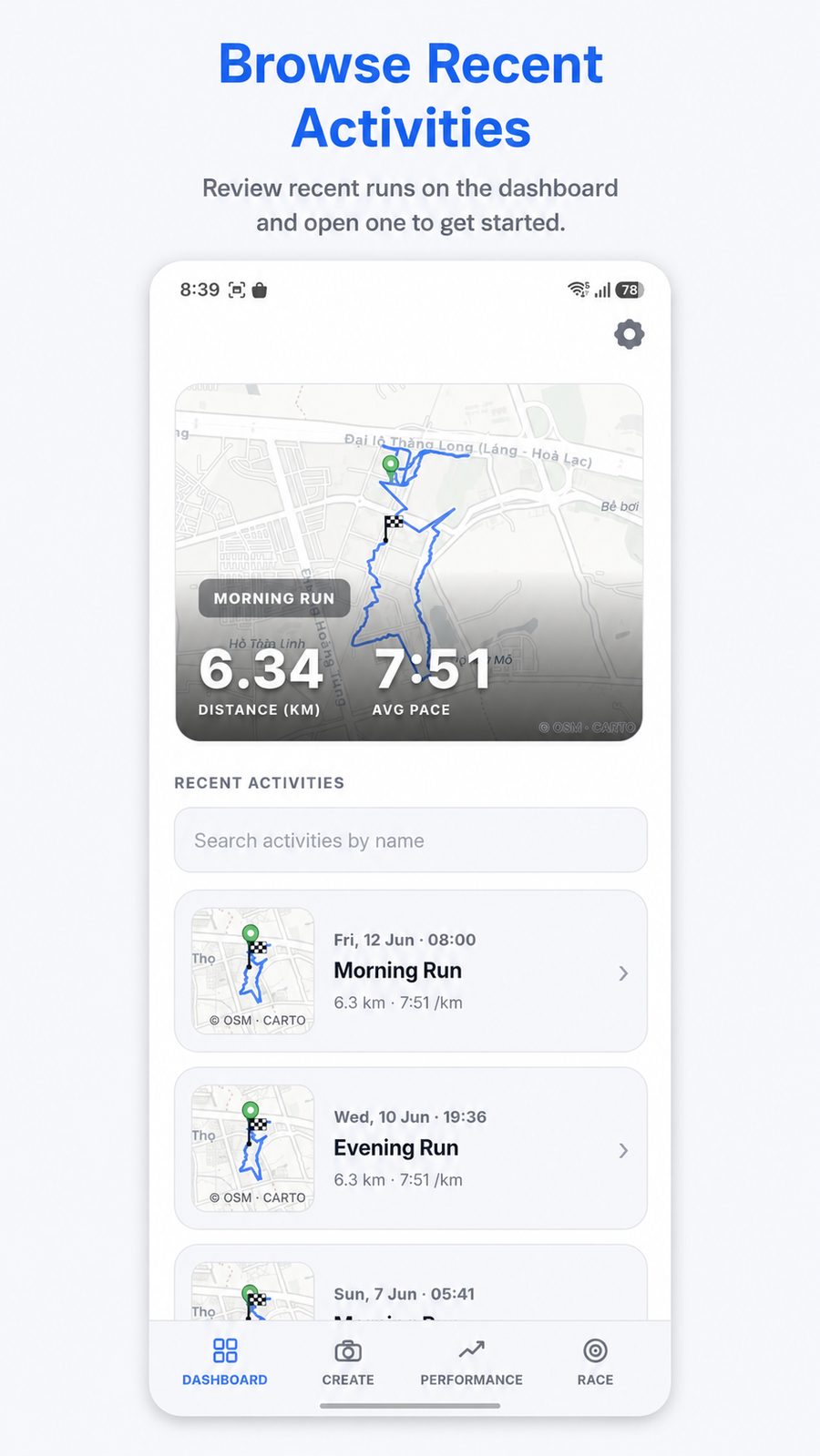
Open your recent Strava activities, review the map and choose the run you want to turn into a visual memory.
Turn every Strava activity into a beautiful running photo with your GPS route, stats and story.
TrackPix keeps the workflow simple: pick the run, choose the layout, customize the GPS route and running stats, then share.
Open your recent Strava activities, review the map and choose the run you want to turn into a visual memory.
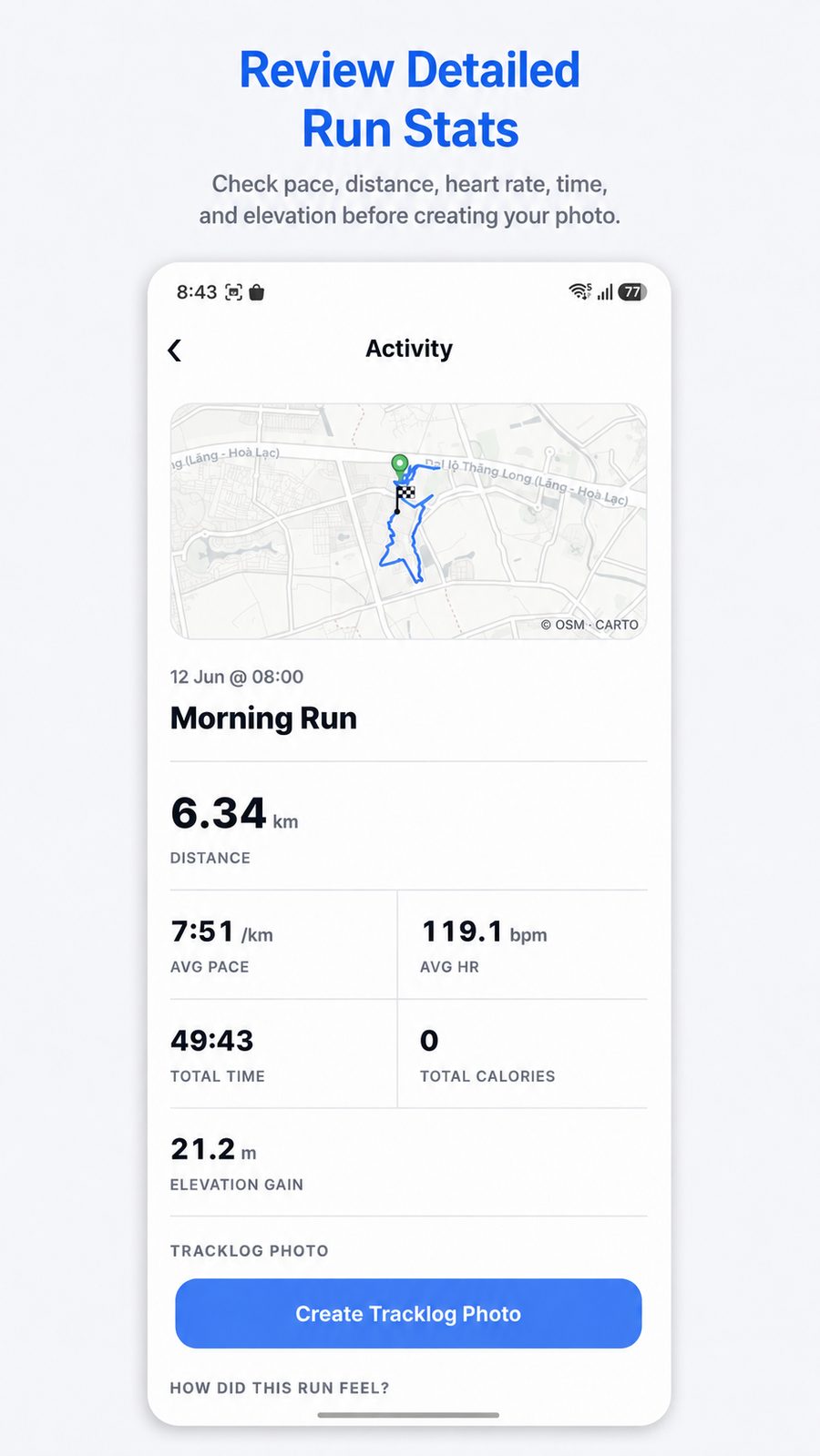
Check distance, pace, heart rate, total time and elevation before the image is created.
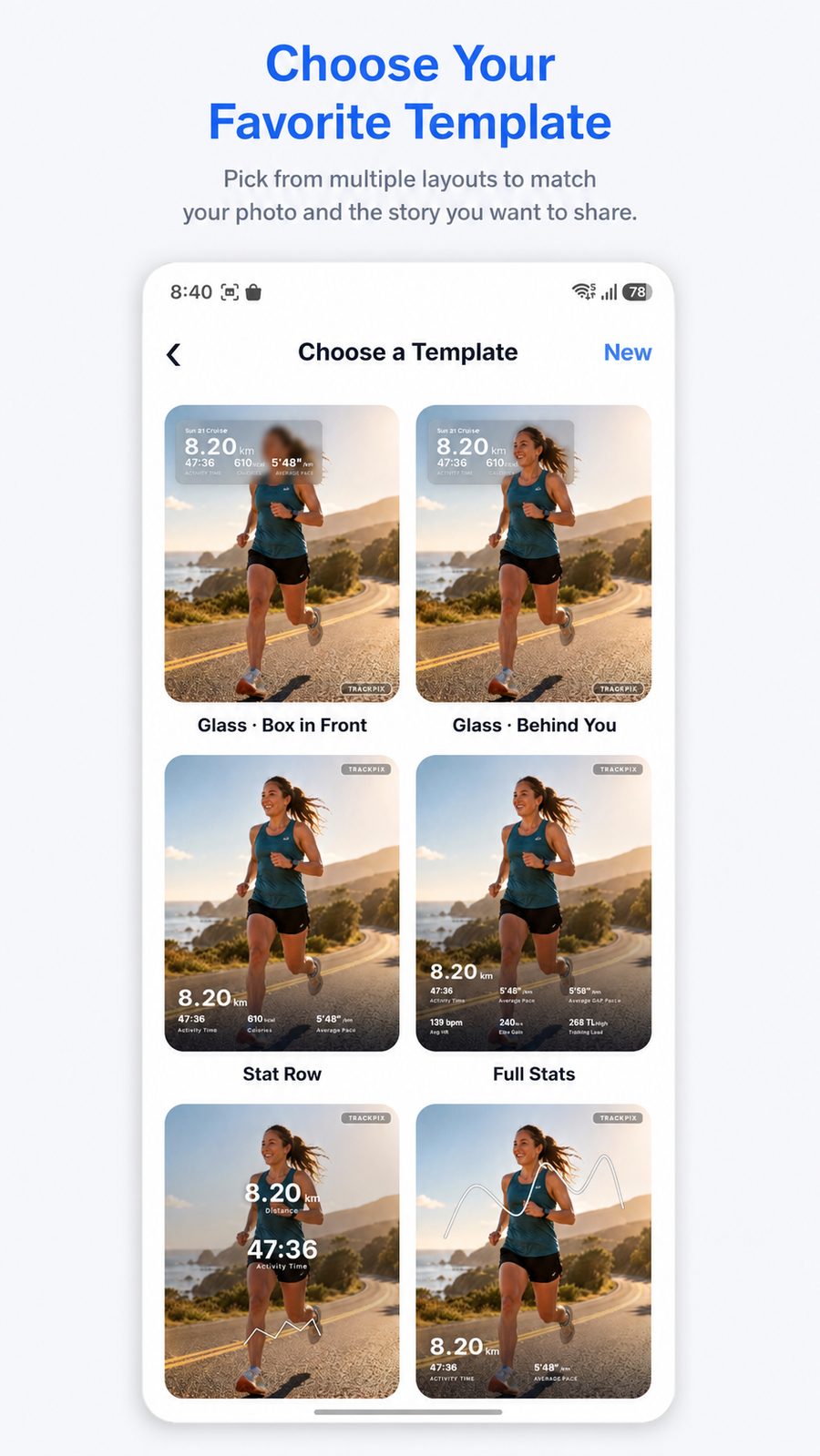
Select a template that matches your photo, from polished glass cards to full-stat running graphics.
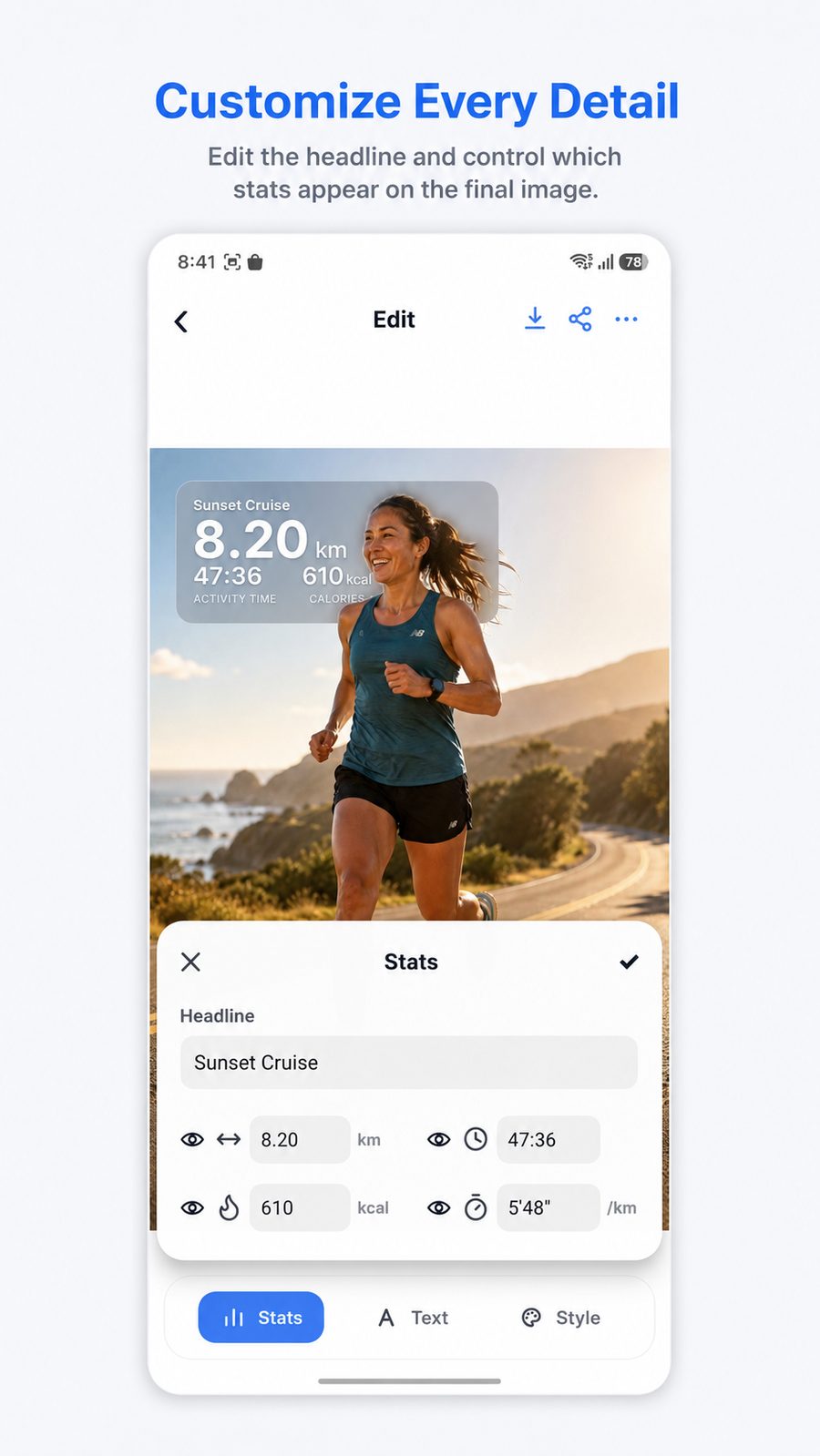
Edit the headline, show or hide stats, and make the final photo feel like your run.
TrackPix is designed for runners searching for a better way to share Strava runs, GPS route photos, running statistics and tracklog images. It helps turn a saved activity into a story people can understand at a glance.
Create running photos for post-run recaps, race memories, training updates, Instagram stories, group chats and personal progress posts.
Use the same editing controls in dark mode while customizing your run photo, route card and visible stats.
Download TrackPix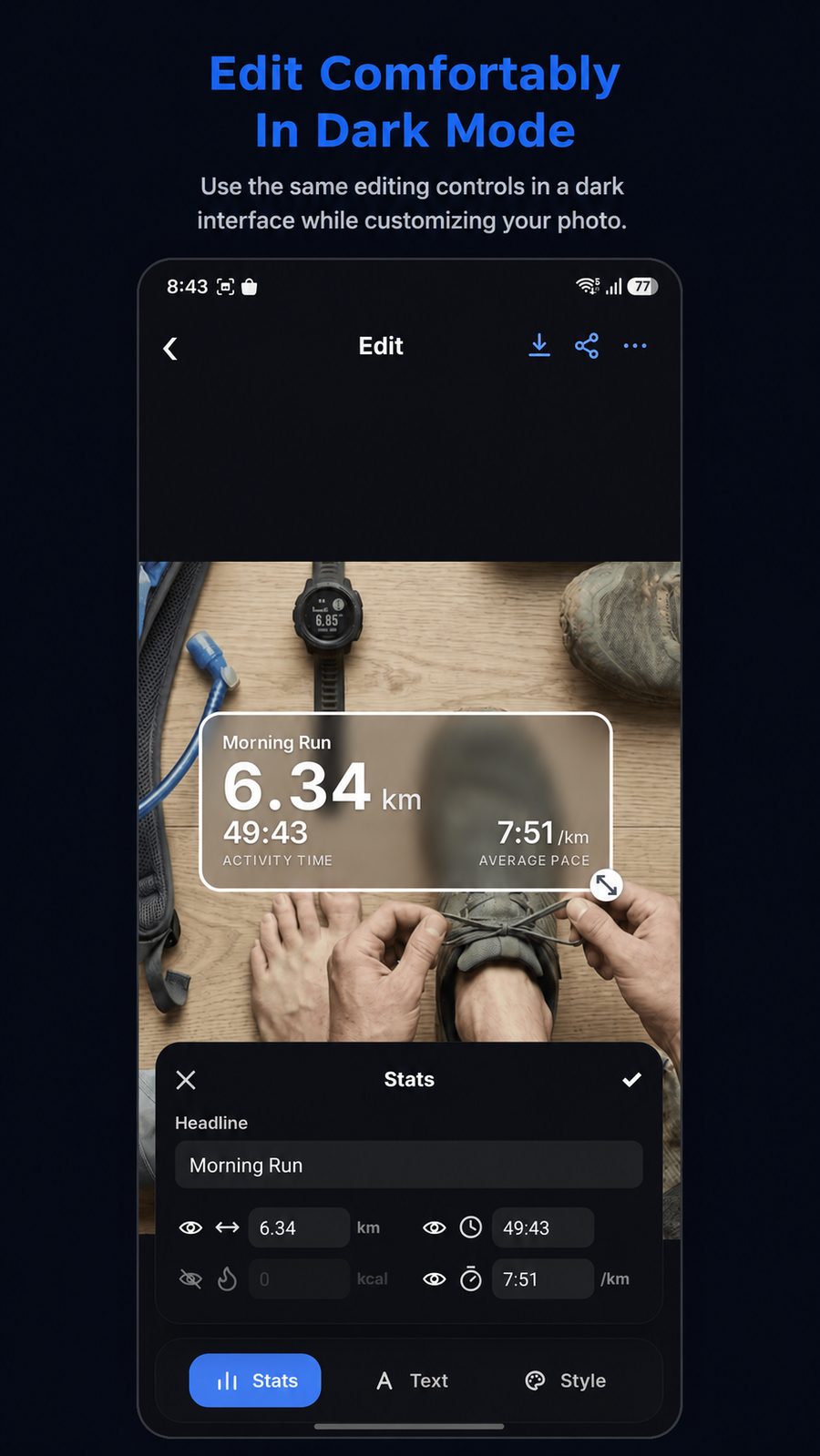
Send your Strava run photo to Gmail, Messages, Photos, Drive or your favorite social channel in seconds.

TrackPix turns Strava activities into beautiful running photos with GPS route, pace, stats and race-ready context.
Get TrackPix on Google Play